



- Vendor: Nuance
Nuance Dragon NaturallySpeaking 11 Premium Unregistered Open Box
Free Expedited Shipping
100% Hassle-Free Returns
100% Satisfaction Guaranteed
Secure Payments
Nuance Dragon NaturallySpeaking 11 Premium Unregistered Open Box
Dragon NaturallySpeaking Premium 11 and Windows 10 Compatibility
Dragon NaturallySpeaking Premium 11 (released in 2012) was designed for older operating systems like Windows 7 and Windows 8. While it may partially work on Windows 10, there are significant limitations and risks to consider. Here’s a breakdown:
Key Considerations
-
No Official Support
Nuance (the developer) does not certify DNS Premium 11 for Windows 10. The last officially supported version for Windows 10 is Dragon 15 or newer.
Microsoft’s system updates (e.g., security patches, driver changes) may break functionality over time.
-
Partial Functionality with Workarounds
-
Some users report success running DNS 11 on Windows 10 by:
Installing in Compatibility Mode (right-click installer > Properties > Compatibility > Windows 8/7).
Using the 32-bit version of Windows 10 (if applicable).
However, features like Direct Dictation in modern apps (e.g., Chrome, Edge) may fail, and microphone/audio drivers could conflict.
-
-
Critical Limitations
No Updates or Fixes: Nuance discontinued support for DNS 11, so bugs or crashes will not be addressed.
Security Risks: Outdated software may expose your system to vulnerabilities.
Feature Gaps: DNS 11 lacks improvements in accuracy, cloud integration, and modern app support found in newer versions.
Recommended Solutions
-
Upgrade to a Newer Dragon Version
Dragon Professional Individual 16 or Dragon Home 15 are fully compatible with Windows 10/11 and include critical updates, better accuracy, and modern app support.
-
Use Virtualization
Install a Windows 7/8 virtual machine (e.g., via VirtualBox) to run DNS 11 in a sandboxed environment.
-
Alternative Software
Consider free tools like Windows Speech Recognition (built into Windows 10) or cloud-based options like Dragon Anywhere (mobile/tablet).
- Software for interacting with a PC using speech instead of a keyboard and mouse
- Spoken words appear on the computer screen 3 times faster than typing
- Works with nearly any Windows based application; up to 99 percent accuracy right out of the box
- Dragon Sidebar puts key commands and tips in one desktop location for at a glance convenience
- Simple installation takes just a few minutes; on screen help and tutorials; headset included
Type: English
License Category: Standard
MPN: K609AL00110
Minimum RAM: 1 GB
Brand: Nuance
For Operating Systems: Microsoft Windows 7
Format: DVD
Have a question?


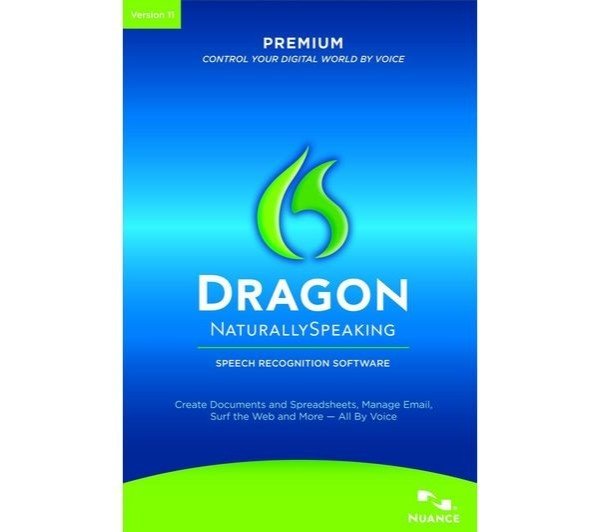
Nuance Dragon NaturallySpeaking 11 Premium Unregistered Open Box